SaaS Marketing Videos and SaaS Video Marketing Without an Agency
Your product changes every two weeks and your videos do not. The feature page, the release note, the comparison page, and the onboarding email are already written. Paste one into VidUp, or paste its URL, and it comes back as a captioned, narrated video in 16:9, 1:1, and 9:16, ready for the page, LinkedIn, and the next sales follow-up.
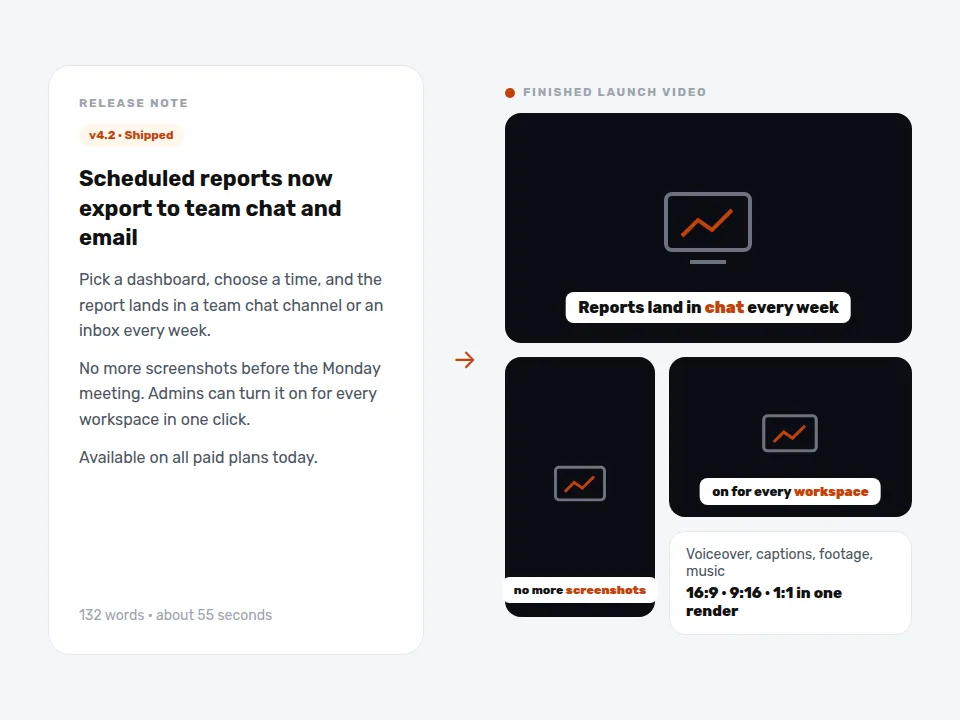
This is your video, rendered from the text above: s, voiced by , music bed. The preview is short and carries the VidUp mark.
Paste your own text and hit Make the video. Create your account for the clean 1080p file, in every size.
In short
SaaS video marketing means publishing short videos that explain what your software does, why a feature matters, and how it compares, on the pages and channels where trial users and buyers decide. The bottleneck is cost and speed: an agency explainer takes weeks and a few thousand dollars, so most teams ship features without video. VidUp turns the copy you already have into a finished video in minutes on a flat plan, so every launch gets one.
SaaS and software companies that ship features every few weeks and want a video on every feature, release, and comparison page without paying an agency for each one.
A video for every feature and release
Agencies make one hero explainer a year. VidUp turns each release note, feature page, and changelog entry into a 45 to 120 second video, so the launch email, the in-app announcement, and the LinkedIn post all have one.
Built from copy your team already approved
The script is your own product marketing copy, voiced and captioned. Nothing goes live that product and legal have not already read, and an update is an edit to the text, not a reshoot.
Flat cost that fits a SaaS budget
$49 a month, or $24 billed yearly, for 30 finished videos. One converted trial on a mid-market plan usually covers a year of it, with no credits that run out in launch week.
From a release note to a published SaaS marketing video
Pick the page that sells the feature
A feature page, a release note, a comparison page, or a use-case page. Cut it to 150 to 300 words: the problem, what the feature does, who it is for, and the next step (start a trial, book a demo, turn it on).
Keep claims you can back up
Use the numbers your product and customer success teams can prove, such as setup time or integrations count. Leave out customer quotes unless the customer approved them for advertising.
Paste the text or the URL into VidUp
VidUp writes the scenes, voices the script, burns in captions, matches licensed stock footage of teams, offices, and work in progress to each line, adds music, and exports 16:9, 1:1, and 9:16 from one render. The brand kit adds your logo and colors.
Ship it with the launch
Embed the 16:9 cut on the feature page and the changelog, post the square or vertical cut on LinkedIn and in your community, add it to the launch email and in-app announcement, and send it in sales follow-ups for deals waiting on that feature.
SaaS marketing videos that move a trial to paid
Software buyers decide in stages. Someone finds a comparison or use-case page from search, starts a trial, gets stuck or gets busy, and either comes back because something reminded them why they signed up or quietly churns before day 14. Short videos help at each stage, but only if they exist for the page the buyer is on, and most SaaS sites have one explainer on the homepage and nothing on the forty pages under it.
Start where the money is. For most teams that means one video per core feature page, one per comparison or alternative page you already rank for, one for each release that a sales deal or churn reason depends on, and a short onboarding series for the first week of a trial. Write each from the copy you already have. The video does not need to be clever. It needs to say what the feature does in the first ten seconds, with captions, because most people watch with the sound off.
Feature explainers
One 60 to 90 second video on each feature page: the job it does, who it is for, and how to turn it on. Written from the page copy your product marketer already approved.
Release and changelog videos
Every meaningful release gets a 45 second announcement for the email, the in-app banner, and LinkedIn. Edit the release note, render, publish the same day.
Comparison and alternative pages
A short video on each comparison and alternative page that states the honest difference and who should switch. These pages convert the highest-intent visitors you get.
Onboarding and activation series
Five to seven short videos for the first week of a trial, each tied to one activation step, sent by email or shown in the app when the user reaches that step.
Click-by-click product walkthroughs
Not a fit. VidUp does not record your screen or show your interface. Use a screen recorder for UI walkthroughs and use VidUp for the explainers around them.
Founder and customer stories
Not a fit. A founder message or a customer testimonial has to be the real person on camera. Record those on a call, then use VidUp for the rest of the calendar.
Where SaaS videos reach trial users and buyers
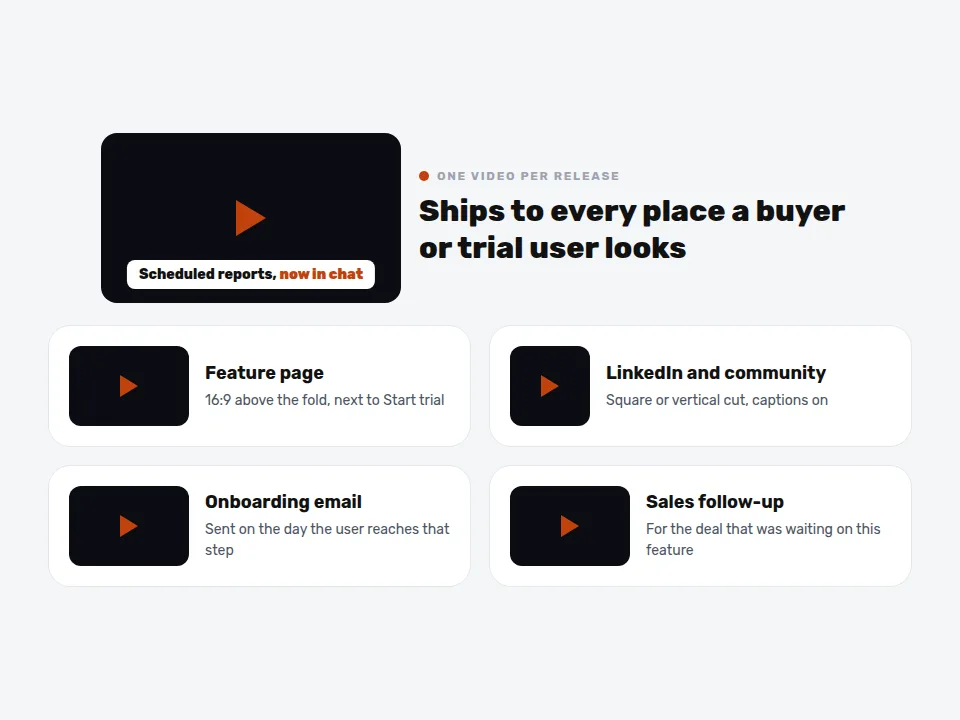
Feature, comparison, and pricing pages are where buyers decide. Put the video above the fold next to the call to action, keep it under two minutes, and add a transcript or the script as text below it so search engines and AI assistants can read what it says.
LinkedIn and your community carry launches. A captioned square or vertical cut posted from the company page and reshared by the team reaches more of your buyers than a blog post alone, and it works without sound in the feed. Post one per release instead of saving them for a quarterly roundup.
Onboarding email, in-app messages, and sales follow-up are where video saves revenue. Attach the matching feature video to the activation email for that step, show it in the in-app guide, and send it to the prospect whose deal stalled on that exact capability. The same file covers all three.
Keeping SaaS video claims accurate, and when to record the product
A marketing video is an ad, and the FTC treats it like one. Performance claims such as "cuts reporting time in half" or "saves 10 hours a week" need evidence behind them, the same as on your website. Customer quotes and logos in a video fall under the FTC Endorsement Guides, so use only approved quotes, disclose any incentive the customer received, and do not show results a typical user will not get. Since VidUp scripts are your own approved page copy, the review step is short: if legal signed off on the page, the video says the same thing.
Some videos still need your real product on screen. A buyer comparing two tools in the last week of a trial wants to see the interface, and a support article wants the exact clicks. VidUp makes narrated explainers over licensed stock footage, not screen recordings, so pair it with a screen recorder for UI walkthroughs and keep VidUp for the volume: the features, launches, comparisons, and onboarding steps that would otherwise ship without video at all.
Ways SaaS teams produce marketing videos, compared
Four realistic ways for a SaaS company to publish video every month. VidUp prices are current list prices. Agency and freelancer prices vary by scope and are quoted; one 2026 industry breakdown puts a typical 60 second SaaS explainer at around $3,000.
| Approach | What it takes | Cost | Best for | Trade-off |
|---|---|---|---|---|
| Explainer video agency | Brief, script rounds, storyboard, animation, revisions over several weeks | Quoted per video, often thousands of dollars | The homepage hero explainer, a brand launch | Weeks per video and out of date after the next redesign |
| Freelance editor or motion designer | Briefs, assets, and review cycles for every video | Quoted per video or per hour | A few polished launch videos a quarter | Slow to repeat for every release and feature page |
| Screen recorder in house | A product marketer records, edits, and captions | Tool subscription plus staff time | UI walkthroughs, support articles, demos | Hours of editing per video, and it shows only the interface |
| VidUp | Paste a feature page, release note, or blog post | $49 a month ($24 yearly) for 30 videos; Growth $99 for 75 with 2 seats; Pro $199 for 200 with 3 seats and API | Feature explainers, release videos, comparison pages, onboarding series, LinkedIn | Stock footage and narration, not your interface or your team on camera |
Back every performance claim with evidence, use only customer quotes approved for advertising, and pair VidUp with a screen recorder when the buyer needs to see the actual product.
Related pages
More use cases
Related features
The questions buyers ask before they pick a video tool, answered straight.
What is SaaS video marketing?
SaaS video marketing is using short videos to explain what your software does and why it matters at each step of the buying journey: feature and comparison pages, launch announcements, onboarding emails, and sales follow-up. The goal is more trials started and more trials converted to paid, not views. Most teams start with one video per core feature page.
What type of video is best for SaaS?
Feature explainers and comparison videos do the most selling, because they answer the question a buyer has on that page. Release videos keep existing users engaged, and a short onboarding series raises trial activation. A homepage brand explainer helps too, but it is one video, while feature and release videos scale with your product.
How long should a SaaS marketing video be?
Keep most SaaS marketing videos between 45 and 120 seconds. Feature explainers work at 60 to 90 seconds, release announcements at about 45, and social cuts at 30 to 60. Say what the feature does in the first ten seconds and add captions, since most viewers in feeds and on pages start with the sound off.
How much does a SaaS explainer video cost?
An agency SaaS explainer is quoted per project and commonly runs into the thousands of dollars for 60 seconds, with several weeks of script and revision rounds. VidUp is $49 a month, or $24 a month billed yearly, for 30 finished videos, so each feature and release can have its own video instead of one explainer a year.
Do product videos increase SaaS conversions?
They usually help when the video answers the exact question a visitor has on that page, such as what a feature does or how you compare to a named competitor. Test it the way you test any page change: add a video to a high-traffic feature or comparison page, keep everything else the same, and compare trial starts over a few weeks.
Where should SaaS companies post videos?
Put videos first on the pages where buyers decide: feature, comparison, use-case, and pricing pages. Then post square or vertical cuts on LinkedIn and in your community for each release, add them to onboarding and launch emails, and send the matching video in sales follow-ups. YouTube is worth it for searchable how-to and comparison topics.
Can AI make a SaaS product demo video?
AI tools that build video from text, VidUp included, make narrated explainers over stock footage, not screen recordings of your interface. For a click-by-click demo of your product, use a screen recorder. Most SaaS teams use both: a recorder for UI walkthroughs, and a text-to-video tool for the feature, release, and comparison videos around them.
Make your first video
Paste a script, a blog post, or a product URL and VidUp builds a finished short with voiceover, captions, footage, and music, auto-sized for every platform. Flat plan, no credits.